mirror of
https://github.com/jerryc127/hexo-theme-butterfly.git
synced 2026-04-10 21:17:07 +08:00

54 lines
1.8 KiB
Markdown
54 lines
1.8 KiB
Markdown
# hexo-theme-butterfly
|
|
|
|
<a href="https://github.com/jerryc127/hexo-theme-butterfly/releases"><img alt="Version" src="https://img.shields.io/badge/release-2.3.0-blue"/></a>
|
|
<a href="https://jerryc.me"><img alt="Author" src="https://img.shields.io/badge/author-JerryC-blur"/></a>
|
|
<a href="https://hexo.io"><img alt="Hexo" src="https://img.shields.io/badge/hexo-4.0+-0e83c"/></a>
|
|
<a href="https://nodejs.org/"><img alt="node.js" src="https://img.shields.io/badge/node.js-8.0+-blur"/></a>
|
|
|
|
Demo: 👍 [Butterfly](https://demo.jerryc.me/) || 🤞 [JerryC](https://jerryc.me/)
|
|
|
|
Based on [hexo-theme-melody](https://github.com/Molunerfinn/hexo-theme-melody) theme.
|
|
|
|
## Installation
|
|
|
|
Stable branch [recommend]:
|
|
|
|
```
|
|
git clone -b master https://github.com/jerryc127/hexo-theme-butterfly.git themes/Butterfly
|
|
```
|
|
|
|
Dev branch:
|
|
|
|
```
|
|
git clone -b dev https://github.com/jerryc127/hexo-theme-butterfly.git themes/Butterfly
|
|
```
|
|
|
|
## Configuration
|
|
|
|
Set theme in the hexo work folder's root config file `_config.yml`:
|
|
|
|
> theme: Butterfly
|
|
|
|
If you don't have pug & stylus renderer, try this:
|
|
|
|
> npm install hexo-renderer-pug hexo-renderer-stylus
|
|
|
|
## Documentation
|
|
|
|
Find in [hexo-theme-butterfly docs](https://docs.jerryc.me) and [JerryC](https://jerryc.me/posts/21cfbf15). it supports `zh-TW` and `zh-CN`
|
|
|
|
You can also join the Chat Group.
|
|
|
|
[ 💬 Join QQ Group [recommend]](https://jq.qq.com/?_wv=1027&k=5KI3Jqb)
|
|
|
|
[ 💬 Join Telegram Group](https://t.me/hexo_butterfly)
|
|
|
|
|
|
|
|
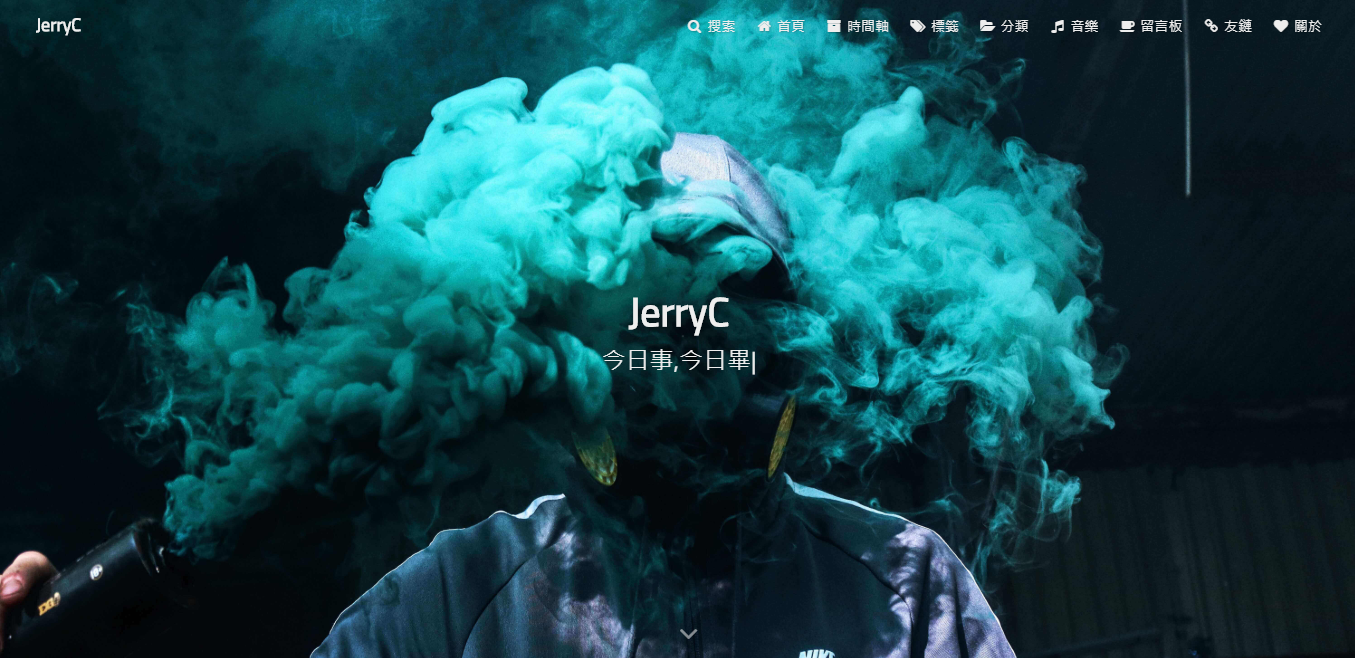
## Screenshots
|
|
|
|
|
|
|
|

|
|
|
|
 |