mirror of
https://github.com/jerryc127/hexo-theme-butterfly.git
synced 2026-06-06 05:11:45 +08:00
 Jerry
Jerry
57 lines
1.8 KiB
Markdown
57 lines
1.8 KiB
Markdown
# hexo-theme-butterfly
|
|
|
|
<a href="https://github.com/jerryc127/hexo-theme-butterfly/releases"><img alt="Version" src="https://img.shields.io/badge/release-2.1.0-blue"/></a>
|
|
<a href="https://jerryc.me"><img alt="Author" src="https://img.shields.io/badge/author-JerryC-blur"/></a>
|
|
<a href="https://hexo.io"><img alt="Hexo" src="https://img.shields.io/badge/hexo-3.0+-0e83c"/></a>
|
|
<a href="https://nodejs.org/"><img alt="node.js" src="https://img.shields.io/badge/node.js-6.0-blur"/></a>
|
|
|
|
Demo: https://demo.jerryc.me/
|
|
|
|
JerryC: https://jerryc.me/
|
|
|
|
一款基於[hexo-theme-melody](https://github.com/Molunerfinn/hexo-theme-melody)修改的主題
|
|
|
|
> 如果升級到hexo 4.2.0 ,會出現報錯
|
|
>
|
|
> ```
|
|
> Error: Cannot find module 'cheerio'
|
|
> ```
|
|
>
|
|
> 請在博客根目錄安裝cheerio
|
|
>
|
|
> ```
|
|
> npm install cheerio@0.22.0 --save
|
|
> ```
|
|
|
|
## 安裝
|
|
|
|
在你的博客根目錄裏
|
|
|
|
```
|
|
git clone -b master https://github.com/jerryc127/hexo-theme-butterfly.git themes/Butterfly
|
|
```
|
|
|
|
如果想要安裝比較新的dev分支,可以
|
|
|
|
```
|
|
git clone -b dev https://github.com/jerryc127/hexo-theme-butterfly.git themes/Butterfly
|
|
```
|
|
|
|
## 應用主題
|
|
修改hexo配置文件`_config.yml`,把主題改為`Butterfly`
|
|
|
|
```
|
|
theme: Butterfly
|
|
```
|
|
|
|
>如果你沒有pug以及stylus的渲染器,請下載安裝: npm install hexo-renderer-pug hexo-renderer-stylus --save or yarn add hexo-renderer-pug hexo-renderer-stylus
|
|
|
|
## 文檔
|
|
|
|
可查看[這裏](https://jerryc.me/posts/21cfbf15)
|
|
|
|
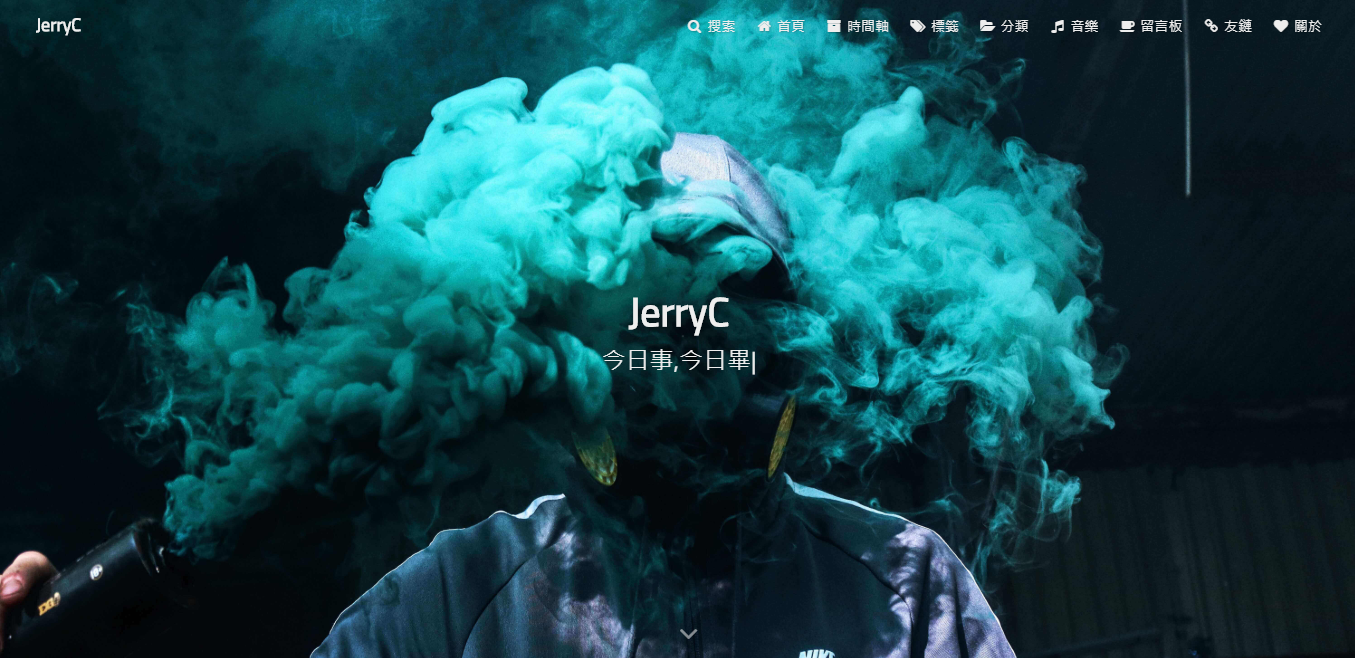
## 截圖
|
|
|
|

|
|
|
|
 |